Bulk Subscription
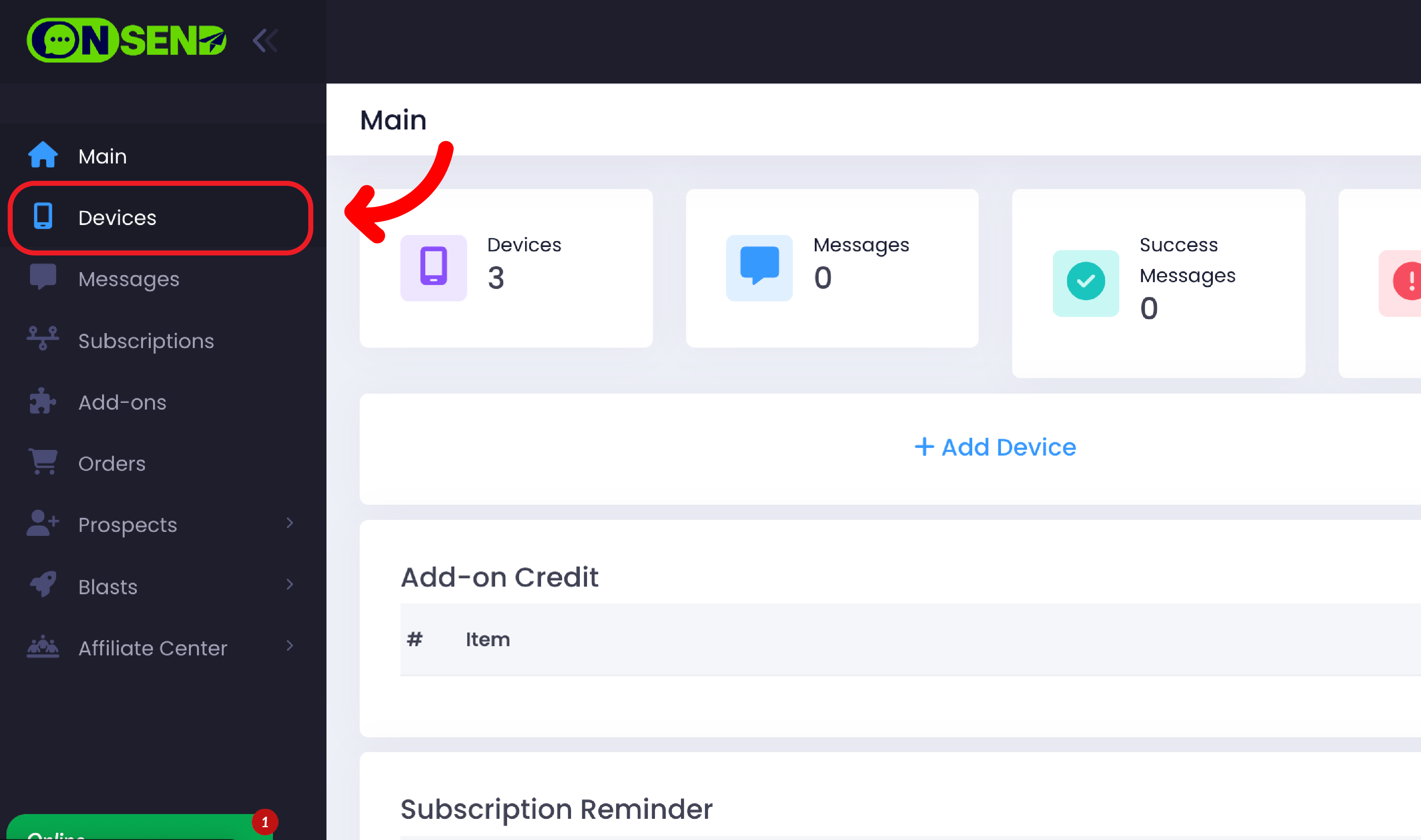
Login to your OnSend account and click on "Devices" tab button.
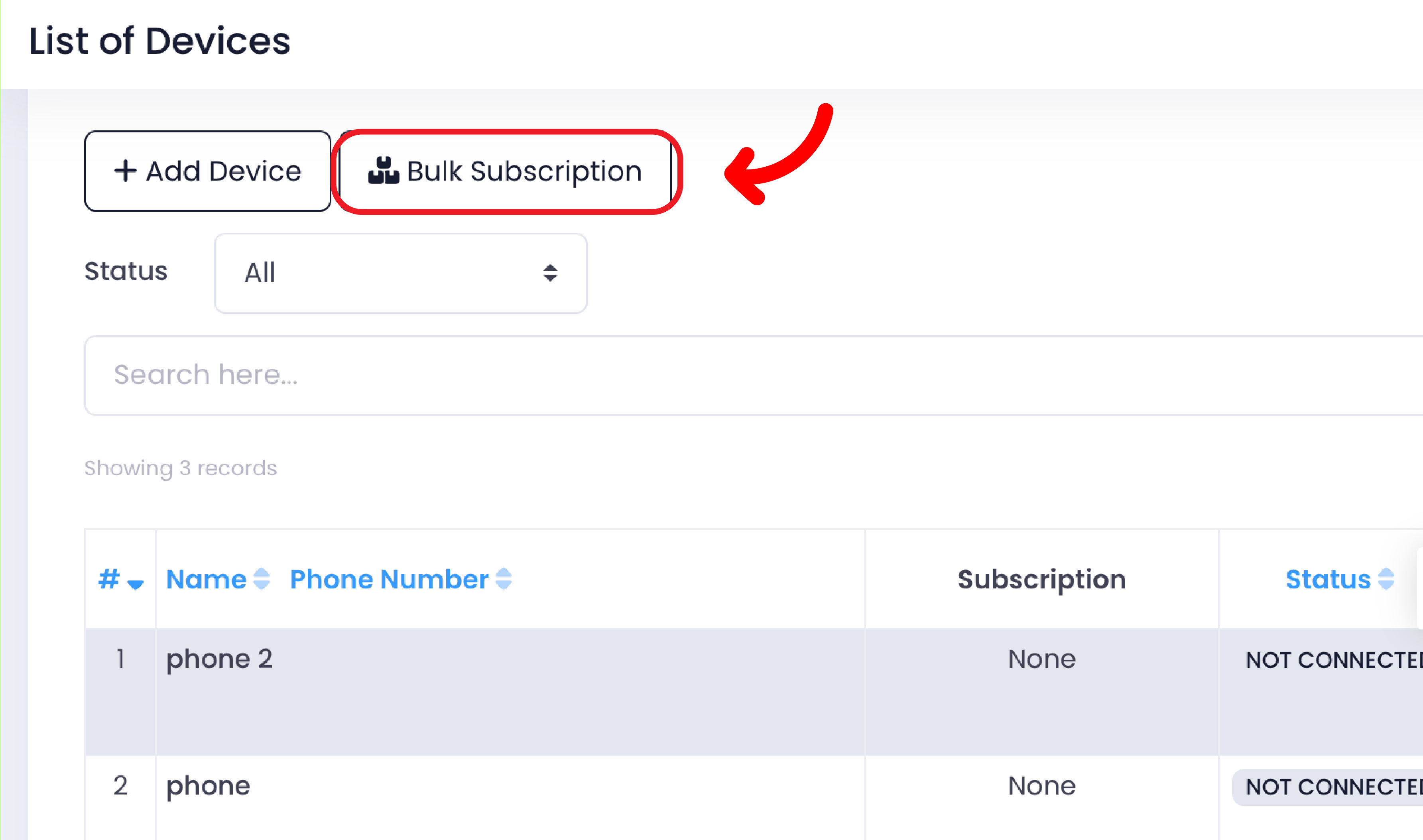
Click "Bulk Subscription".
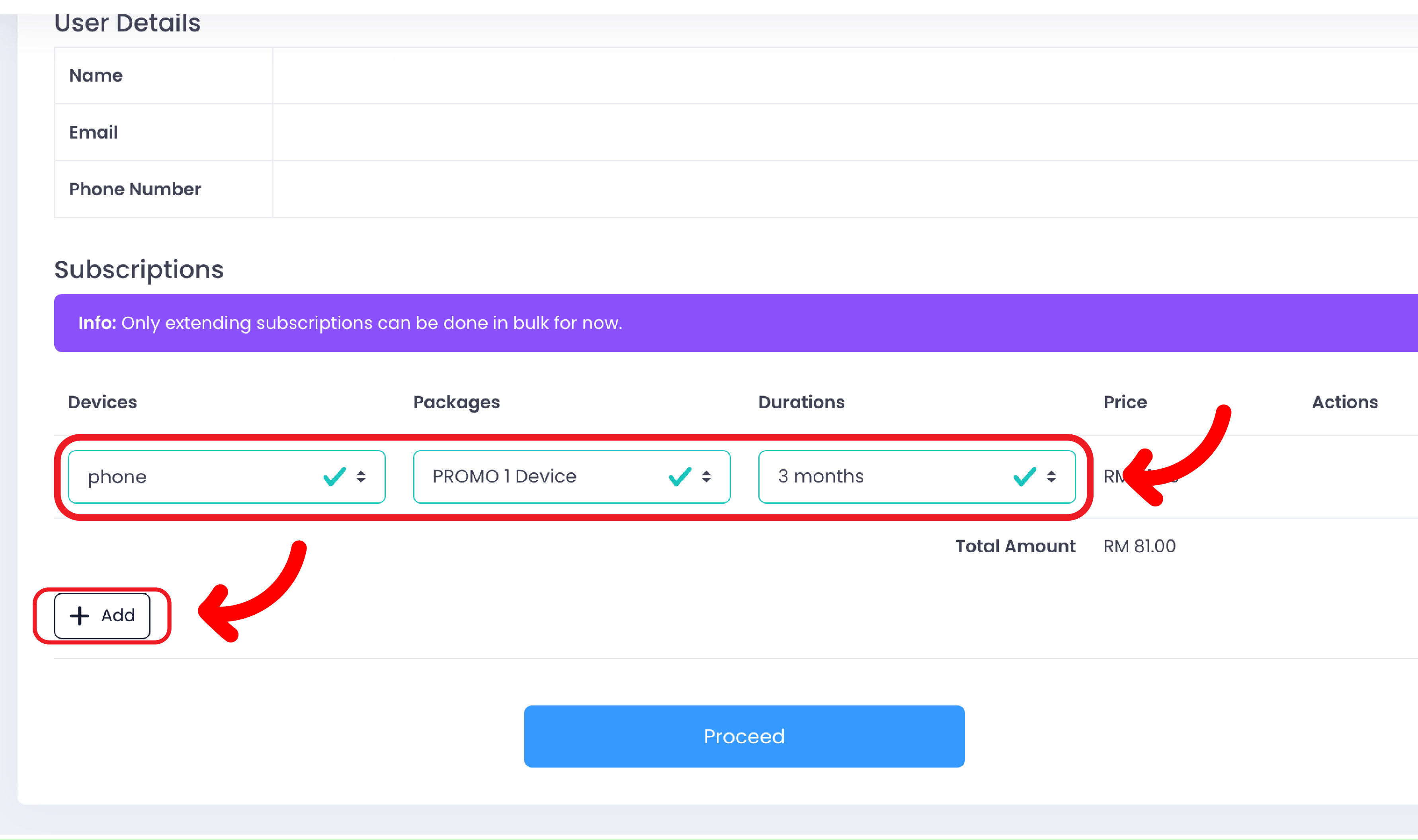
Select your "Devices", "Packages" and "Durations". Additionally, you can add a device by clicking the "Add" button.
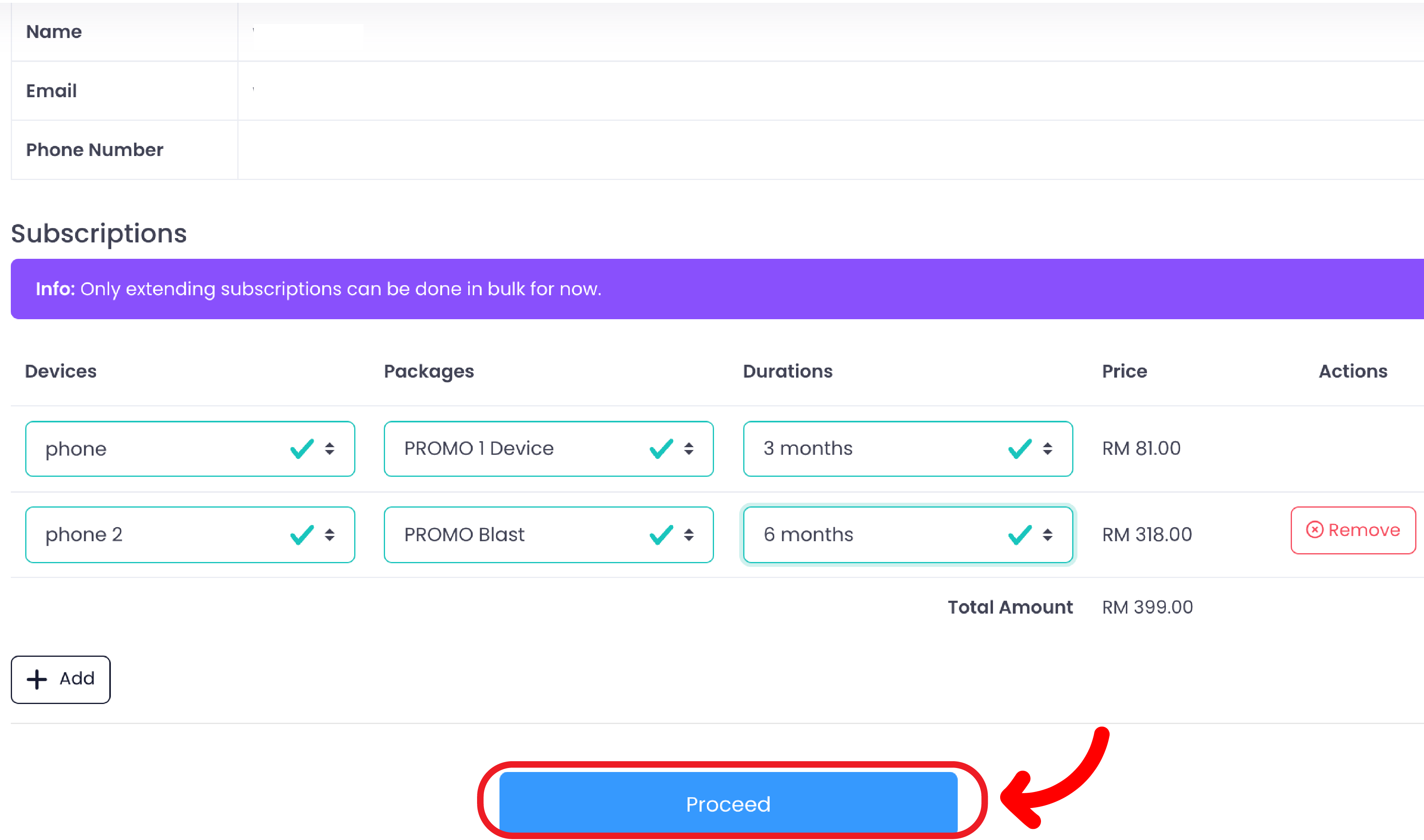
Then, click on "Proceed" button to proceed with payment.