Prospect Blasting
You need to add the blasting list as prospects. To add your prospects, you can follow these steps.
Build a prospect group
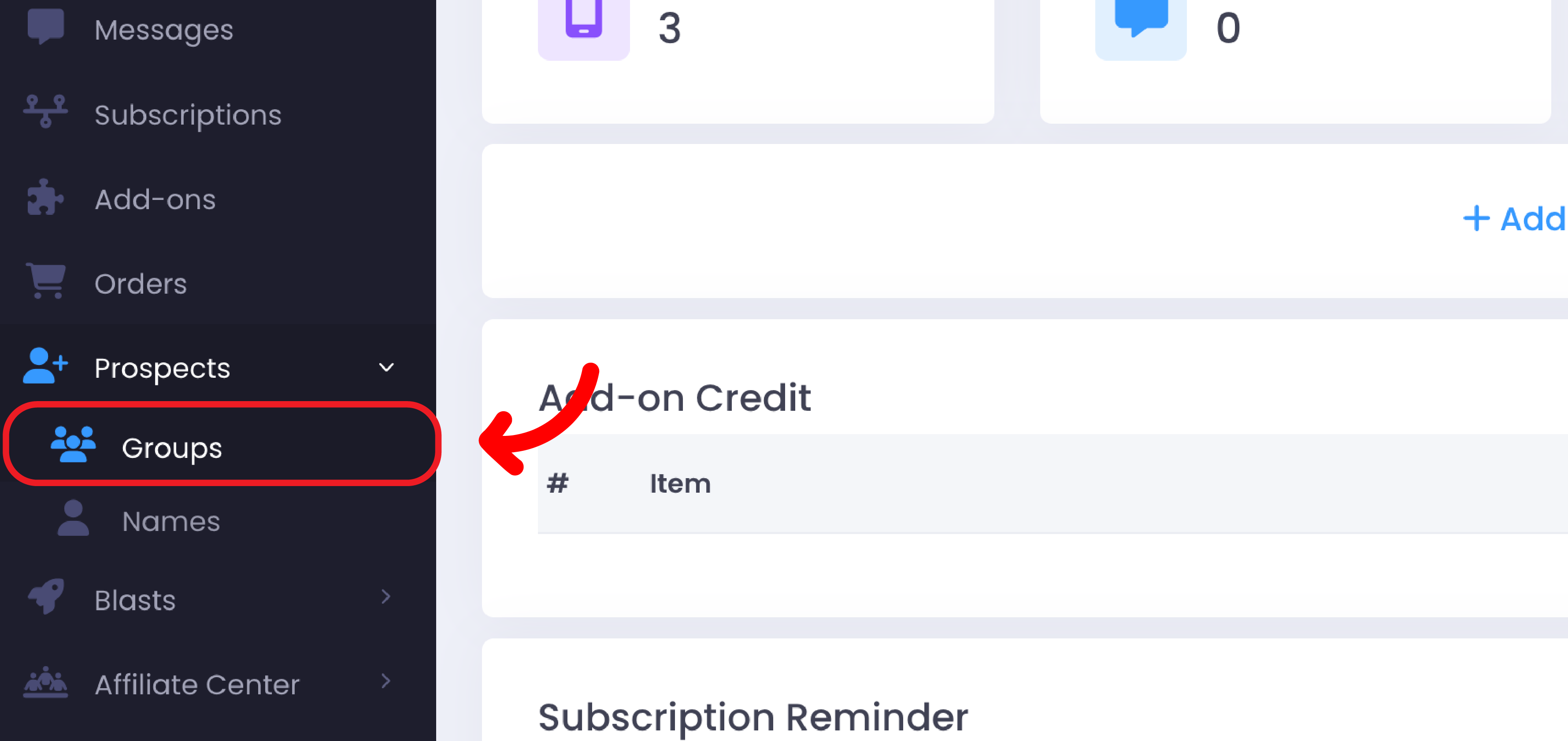
Login to your OnSend account and click on "Prospects" tab and choose "Groups".
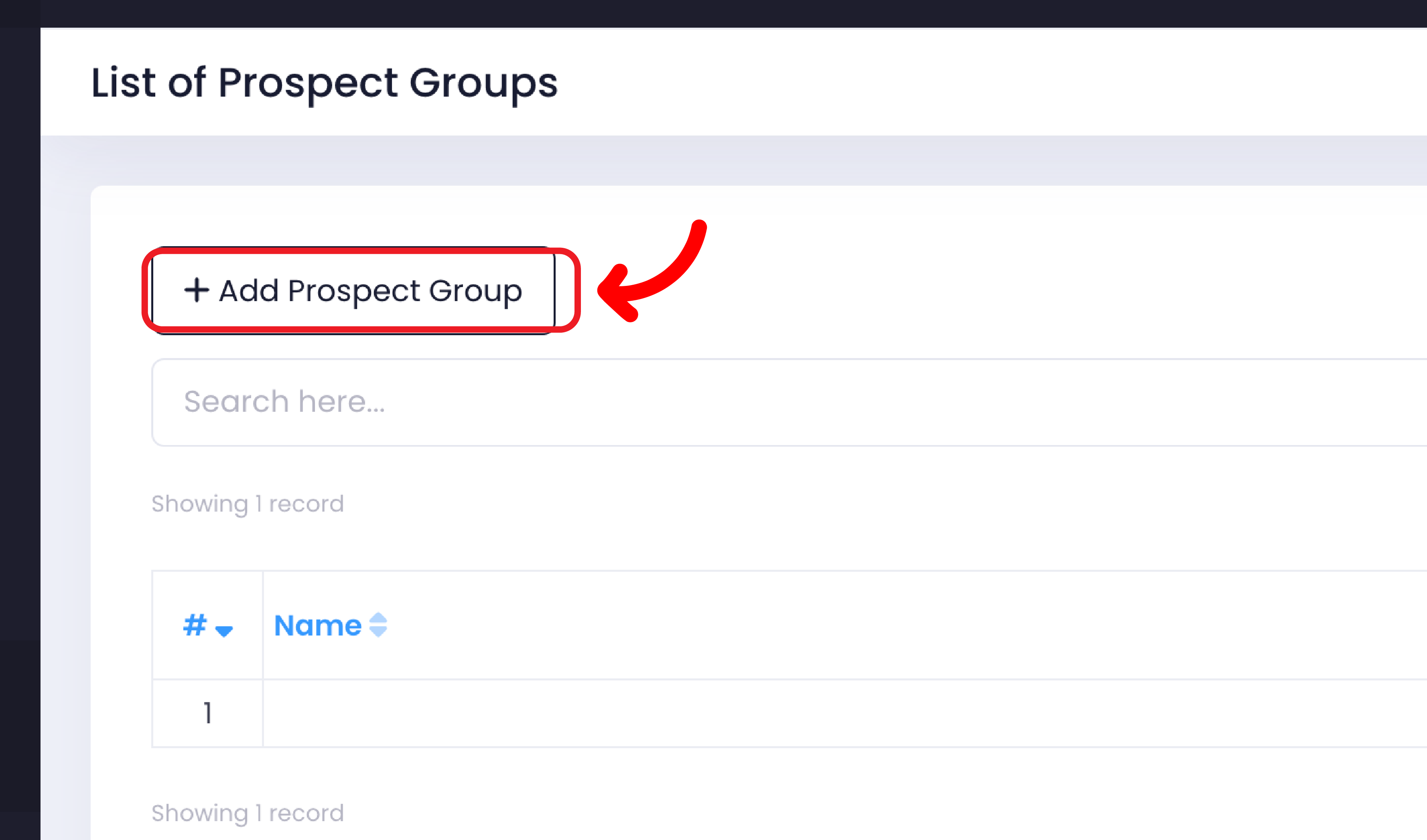
Click on "Add Prospect Group".
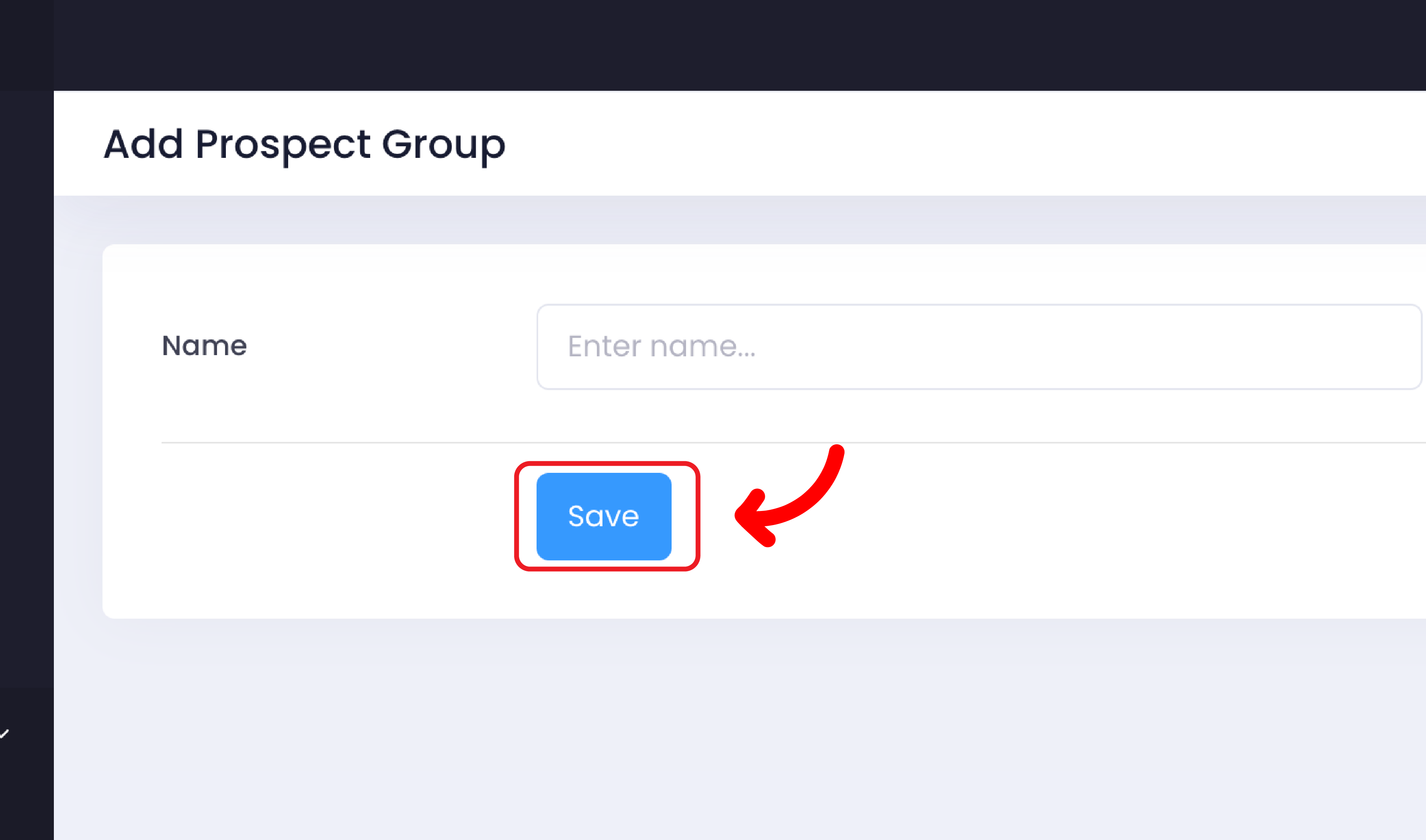
Enter the "Prospect Group Name". Then, click "Save".
 And then, add your blasting list as prospects.
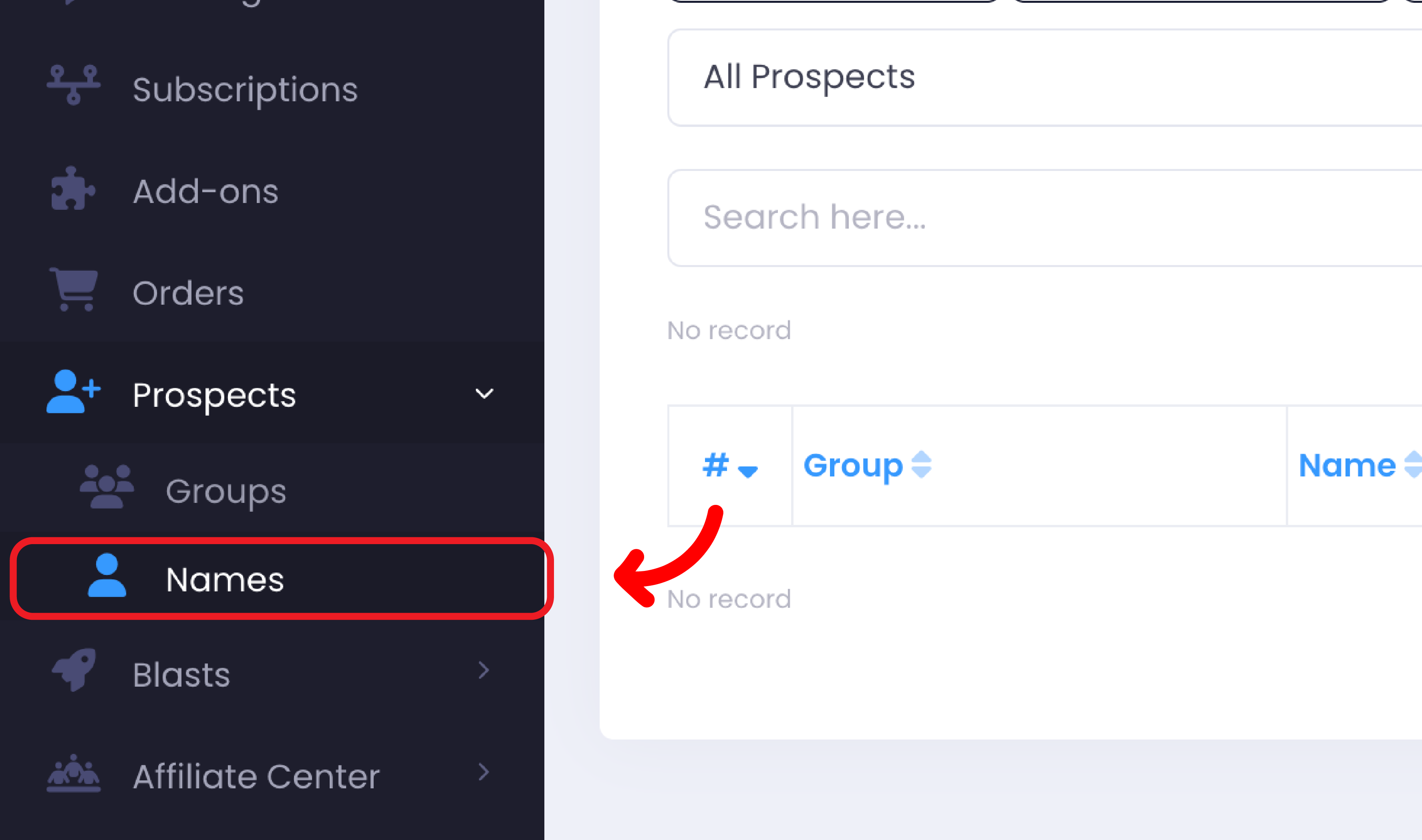
 Click on "Prospects" tab and choose "Names".
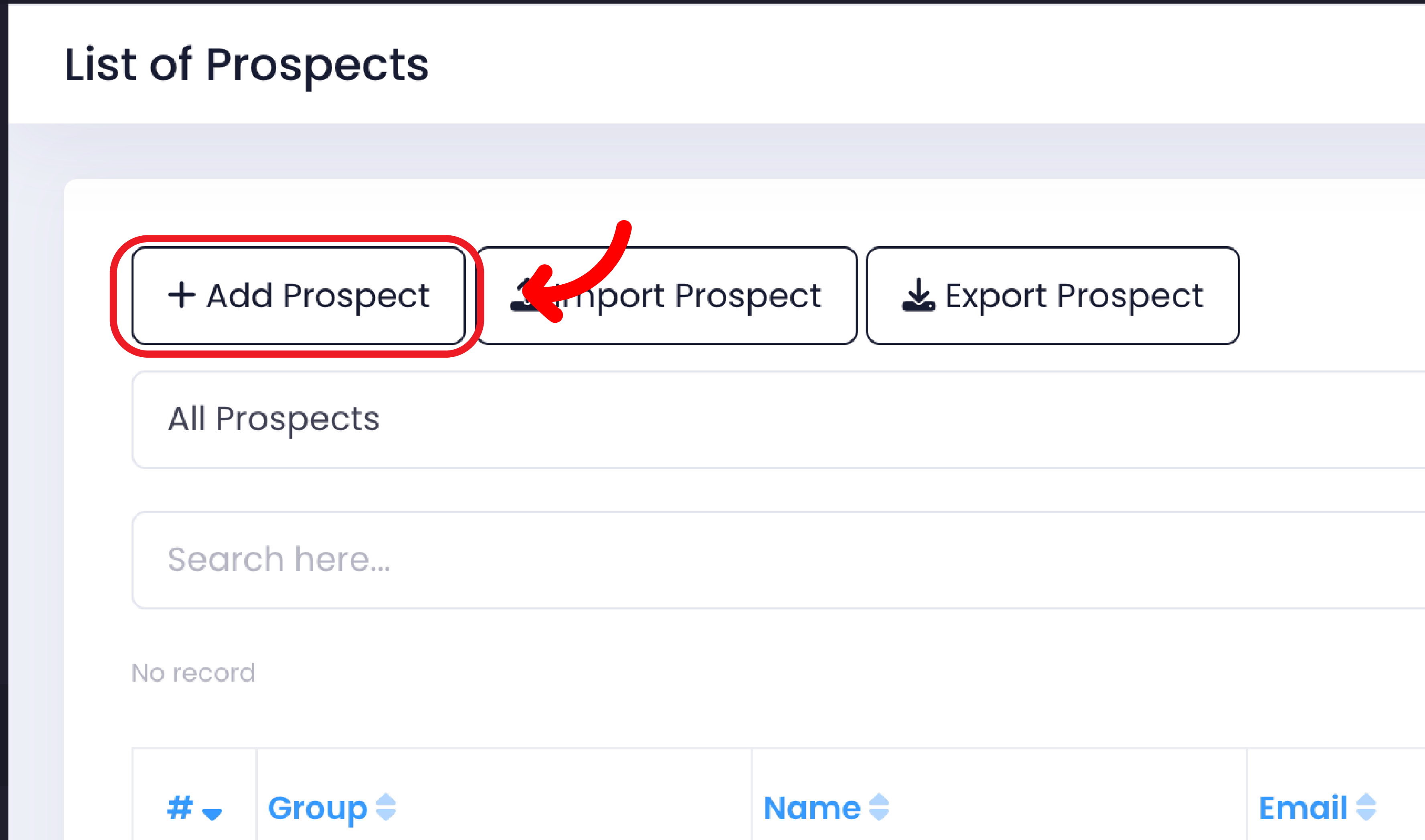
Click on "Add Prospect".
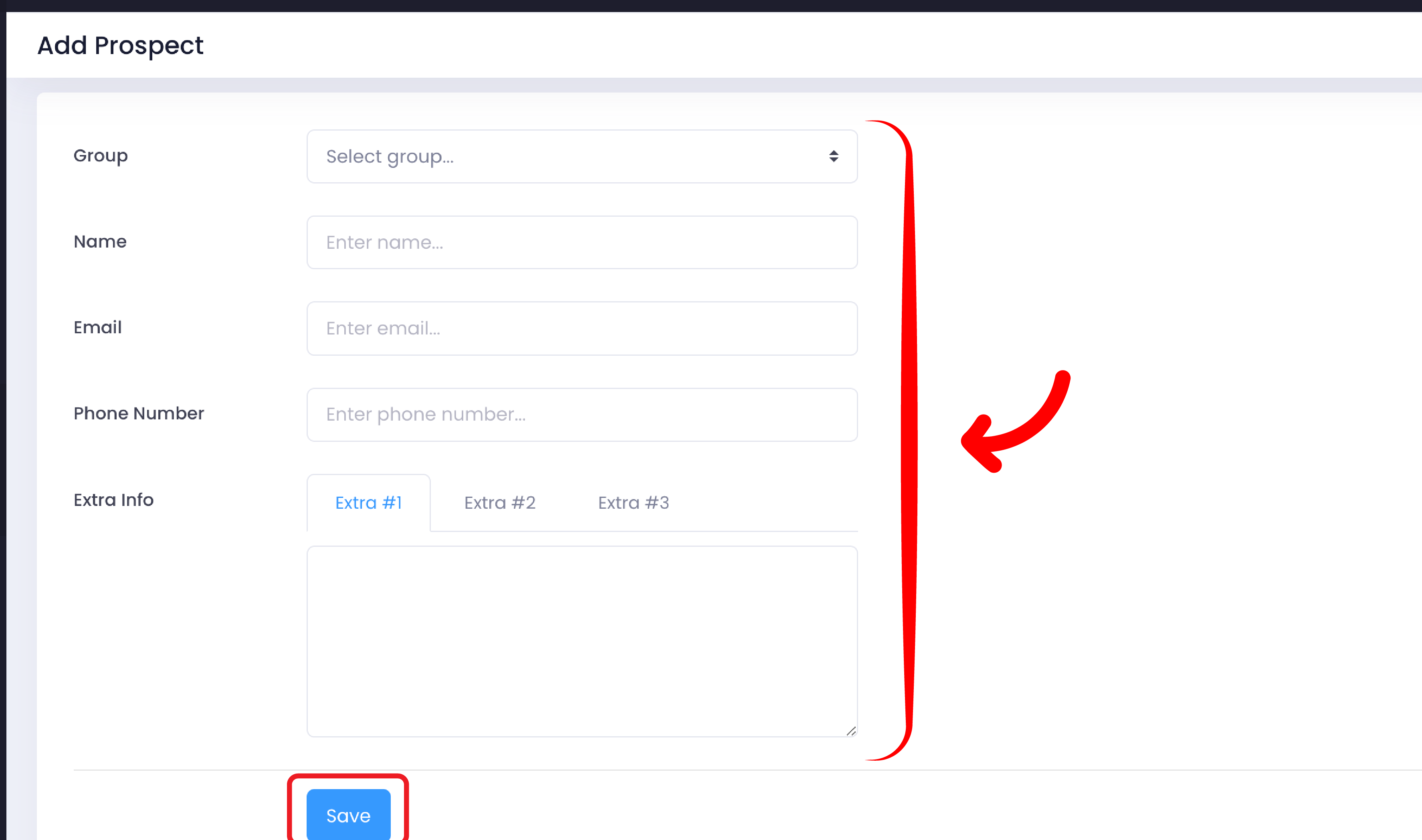
Enter the name of the group you just created and fill in the details, then click "Save".